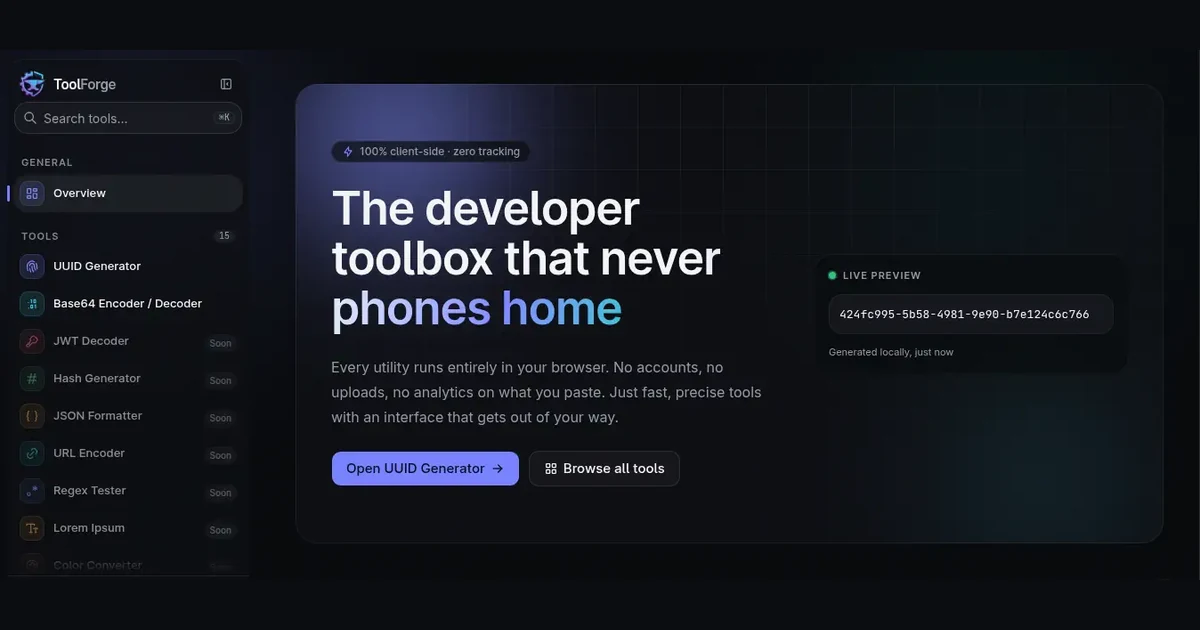
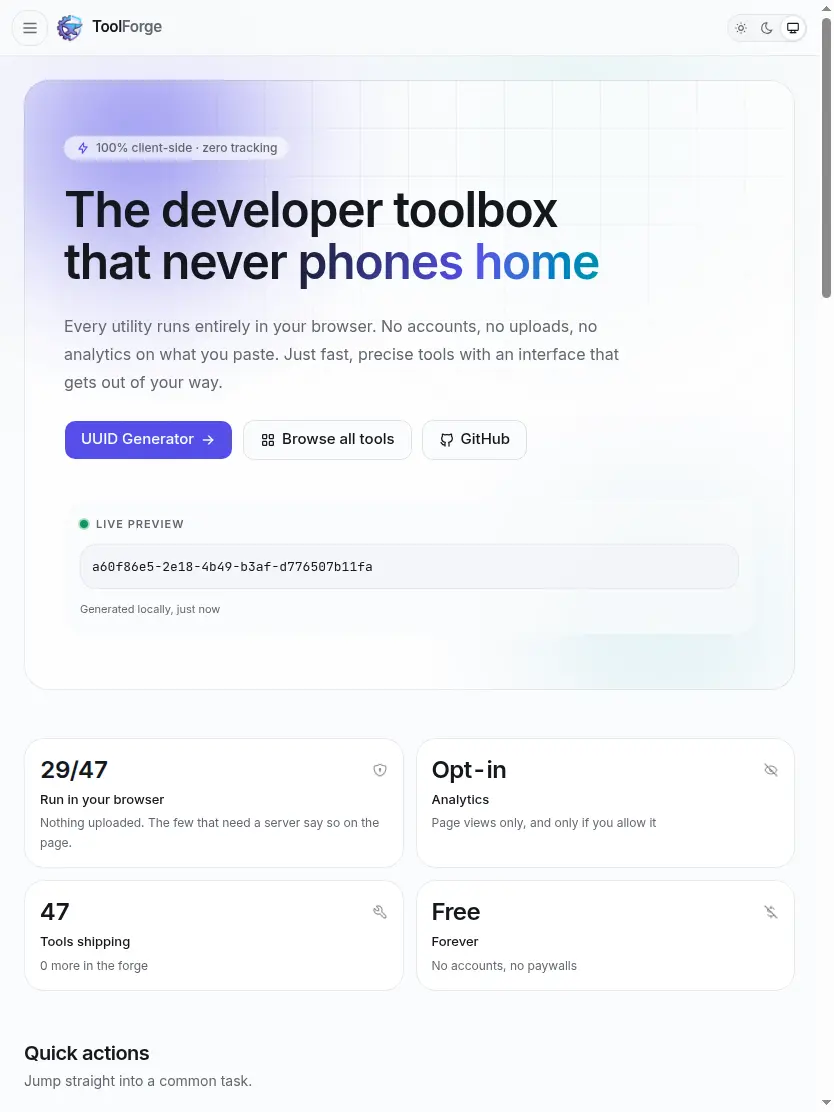
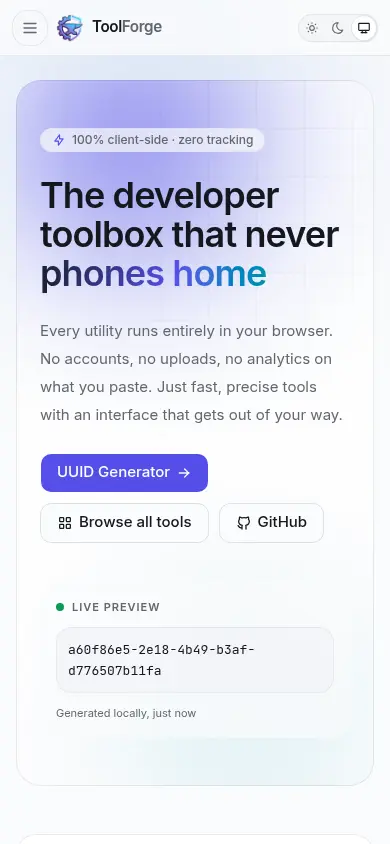
ToolForge brings a broad collection of developer utilities into one bilingual, browser-first workspace. Most tools process data locally, while the few that need server access disclose that clearly. The live project reports 47 available tools, with 29 running in the browser, alongside English and Bangla interfaces, light and dark themes, and keyboard-accessible controls.
Key features
Offers 47 utilities spanning generators, encoders, data and file converters, image tools, and developer service simulators.
Runs 29 of its tools entirely in the browser, keeping their input on the user's device.
Clearly explains when a utility needs server access instead of presenting every operation as local.
Supports English and Bangla, including Bengali numerals where numbers appear in prose.
Includes separately tuned light and dark themes and keyboard-accessible controls.
Provides an optional MCP server for using selected utilities from compatible AI assistants.
Page-view analytics are opt-in and do not track the contents people process with tools.
Engineering highlights
Built with Next.js 16, React 19, strict TypeScript, Tailwind CSS v4, and Bun.
Separates browser-side conversion and generation into a framework-free domain layer.
Uses Prisma with PostgreSQL and Supabase for authentication and storage where server state is required.
The README documents verification scripts and tests alongside the feature-specific modules.
Challenges and approach
A single toolbox includes both operations that can run locally and tools that require server access.
ToolForge keeps local processing in a pure domain layer and discloses the few server-backed operations at the point of use.
Making the same dense utility interface usable across languages, themes, and input methods.
The application provides English and Bangla, distinct light and dark palettes, and visible keyboard focus for interactive controls.